
Google Discover
What is Google Discover? (Traffic Without Searching)
For the entire history of SEO, the relationship has been transactional: A user types a query, and Google gives an answer. But what if Google just knew what they wanted to read?
This is Google Discover.
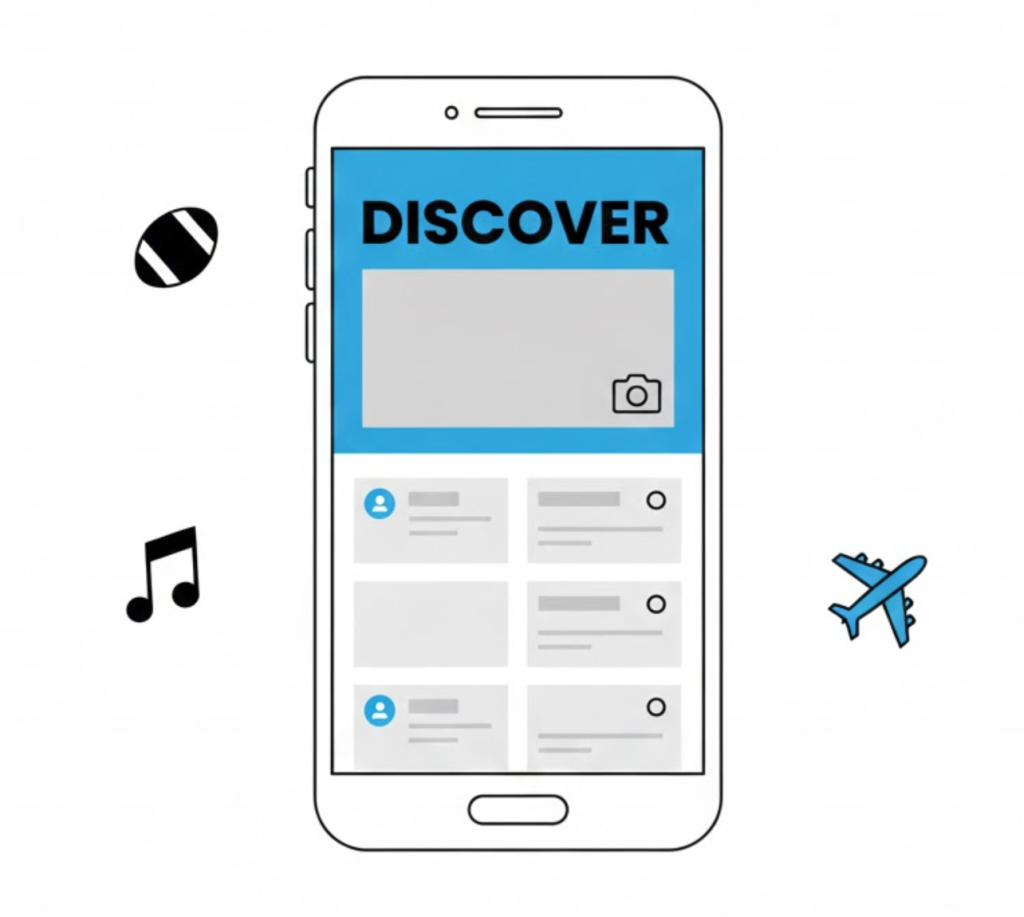
Google Discover is a personalized, mobile-first content feed that appears on the Google App and Android homescreens. It shows content related to a user’s interests, hobbies, and past behavior. It is not “Search.” It is a Feed.
At Saint Digital, we call this “Bonus SEO.” It is unpredictable but explosive. Getting a post into Discover can send 10,000 visitors in a single day.
Prepare your site for the Discover feed.
Success on Google Discover requires a flawless technical foundation, from image sizing to meta tags. Ensure your site is technically perfect with our complete guide.
The Shift: From “Query” to “Query-Less”
Google Discover represents a fundamental shift.
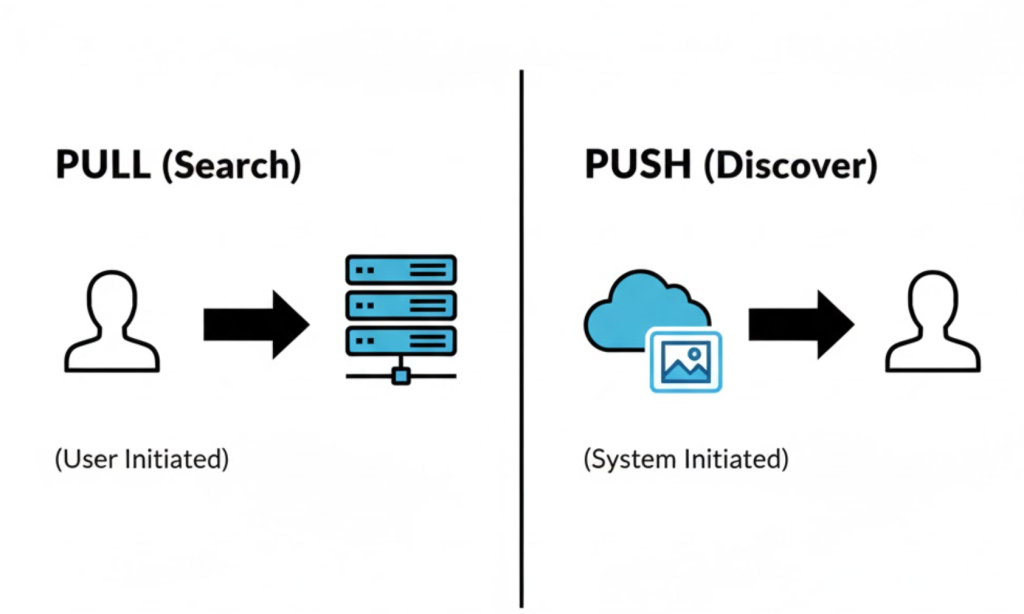
- Traditional Search: User pulls information (Intent: “I need to know X”).
- Google Discover: Google pushes information (Intent: “You might like X”).
It works like a social media feed. Google builds an Interest Graph based on search history, location, and YouTube activity. If you write about “Marathon Training,” Google shows it to runners, even if they didn’t search for it today.
How to Optimise for Discover
You can’t target a keyword; you have to target an interest. Here is the playbook.
1. The Visuals (Max Image Preview)
Discover is a visual feed. You must use high-quality images at least 1200px wide.
You must also enable the `max-image-preview:large` setting in your meta tags. A blurry or small image guarantees failure.
2. The Headline (Emotional Hook)
You have to hook them emotionally, but you must avoid Clickbait. Google bans misleading titles.
- Bad: “You Won’t Believe This!”
- Good: “Why The Nike Pegasus is the Only Shoe You Need.”
3. E-E-A-T (Trust is Everything)
Because Google is pushing this content, it has to be sure it isn’t fake news. Your site must have high E-E-A-T signals like clear Author Bios and contact info.
Technical Insight: The “Follow” Button
In recent updates, Google added a “Follow” button to Chrome. If a user clicks “Follow” on your site, your new articles are almost guaranteed to appear in their Discover feed.
This turns Discover from a slot machine into a subscriber list. We recommend adding a simple CTA to your blog posts: “Follow us on Google News to never miss an update.”
The “Discover” Slot Machine
We have to be honest: Discover traffic is volatile. You might get 50,000 hits one day and zero the next. It is a “spike” channel.
However, the indirect benefits are massive. Discover spikes often lead to natural backlinks and brand awareness, which improves your long-term organic rank.
Measuring Success
You can’t track this in standard rank trackers. You need Google Search Console.
Look for the “Discover” report in the left-hand menu. It shows Clicks, Impressions, and which topics are resonating with the feed.
The Takeaway
Google Discover moves SEO from “being found” to “being fed.” It rewards the best storytellers and the most authoritative brands.
At Saint Digital, our SEO services optimise for Discover by default, ensuring your content is ready for the feed.
Ready to get discovered?
Unlock “bonus” traffic.
You don’t need a keyword to get traffic. If your content is good enough, Google will promote it for you. We at Saint Digital build high-quality content assets designed to trigger the Discover algorithm, turning passive scrollers into active visitors.
Let’s feed the feed.
Learn more from our Glossary
© Saint Digital Ltd, 2020-26, all rights reserved.