
Google Search Console
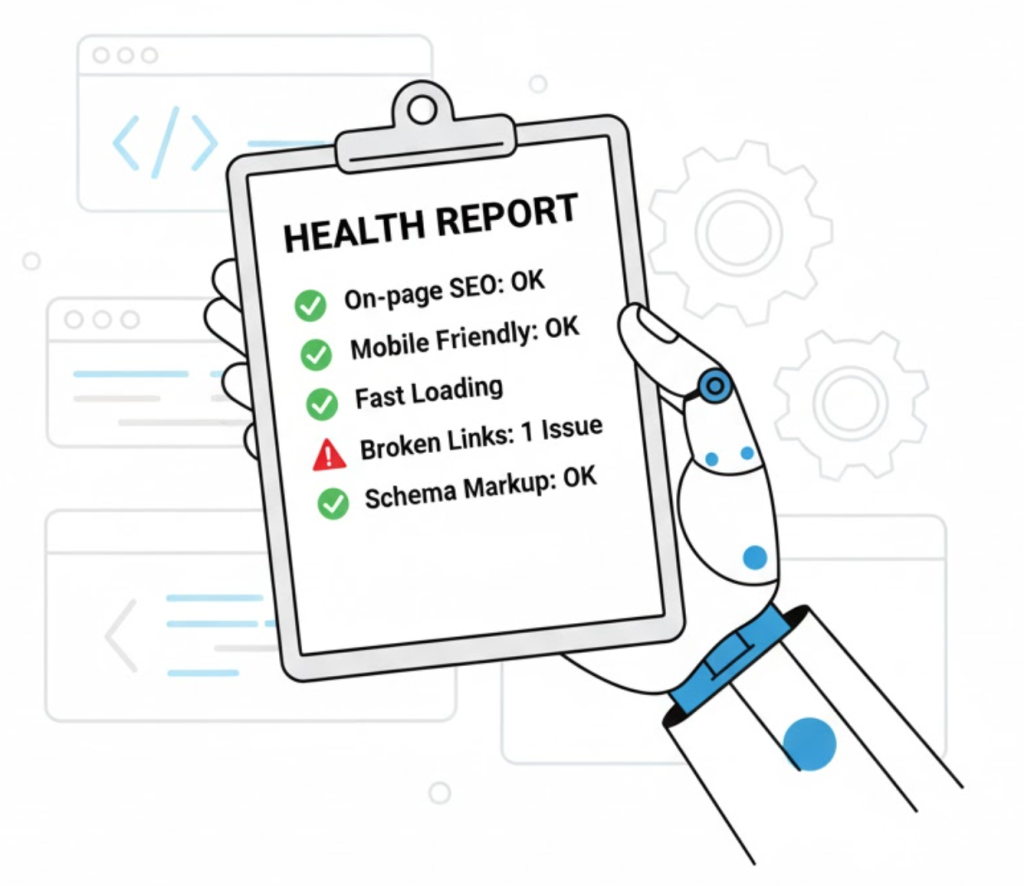
What is Google Search Console? (Your Site’s “Health Report”)
If Google Analytics is your website’s “CCTV system”—showing you what people do inside your shop—then Google Search Console (GSC) is your “satellite view.”
It’s the free, essential tool that tells you exactly what Google thinks about your website. GSC is not about what users do. It’s about what Google sees. It is the most important technical SEO tool on the planet.
At Saint Digital, we call this tool “the mechanic’s report.” Analytics is your dashboard (speed, fuel). Search Console is the diagnostic report saying: “Here are the engine problems.”
Is your site hiding invisible technical errors?
Google Search Console finds the problems, but you need to know how to fix them. Master the art of the audit with our complete guide.
The #1 Confusion: GSC vs. Google Analytics
Let’s clear this up immediately. They are two different tools.
- Google Search Console (GSC) is the “Before the Click” tool. It tells you how your site performs in search results (Impressions, Rankings, CTR).
- Google Analytics (GA) is the “After the Click” tool. It tells you what users do after they arrive (Engagement, Sales).

What Does GSC Actually Tell You? (The 5 Key Reports)
GSC is a “to-do list” given to you by Google. Here are the 5 most important reports.
1. The “Performance” Report (The SEO Scorecard)
This tells you:
- Total Clicks: How many people visited from Google.
- Total Impressions: How many people saw you in search results.
- Average CTR: The percentage of people who clicked.
- Queries: The exact keywords people are typing to find you.
2. The “Index” Report (The Roll Call)
This is a list of every page on your site, sorted into “Indexed” (Good) and “Not Indexed” (Problem). It highlights errors like:
- 404 Not Found: Broken links.
- Duplicate: Confusing duplicate pages.
- Discovered – currently not indexed: Low-quality content Google refused to index.
3. The “Experience” Report (Core Web Vitals)
This grades your site’s speed and stability (Core Web Vitals). It tells you if your site is “Good,” “Needs Improvement,” or “Poor.”
4. The “Sitemaps” Report
A place to submit your XML Sitemap, giving Google a clear map of your site structure.
5. The “Links” Report
Shows who is linking to you (Backlinks) and how your internal linking structure is set up.
Technical Insight: “Manual Actions” (The Penalty Box)
Buried in the “Security & Manual Actions” tab is the scariest report of all. If a human at Google decides your site is spammy (buying links, hacked content), they will issue a Manual Action here.
If you see a notification in this tab, your rankings will tank. You must fix the issue and submit a “Reconsideration Request” to get out of the penalty box.
Bonus Tool: URL Inspection
Paste any URL into the top search bar of GSC. Google will tell you its live status right now. Is it indexed? Is it mobile-friendly? You can also use this to “Request Indexing” for a new page instantly.
The Takeaway
Google Search Console is not optional. It is the diagnostic manual for your website, written by Google itself.
Ignoring it is like ignoring your car’s “check engine” light. You can keep driving, but a small problem is about to become a very big one.
At Saint Digital, our SEO services start with GSC. It tells us exactly what technical fixes are needed to improve your performance.
Stop guessing what Google thinks.
Google Search Console is your site’s “check engine” light, and it’s flashing. It’s telling you exactly what’s wrong with your technical SEO and design.
We at Saint Digital are the mechanics. We don’t just read the diagnostic report; we know how to fix the engine. Let’s get your site a clean bill of health.
Learn more from our Glossary
© Saint Digital Ltd, 2020-26, all rights reserved.