
Faceted Navigation
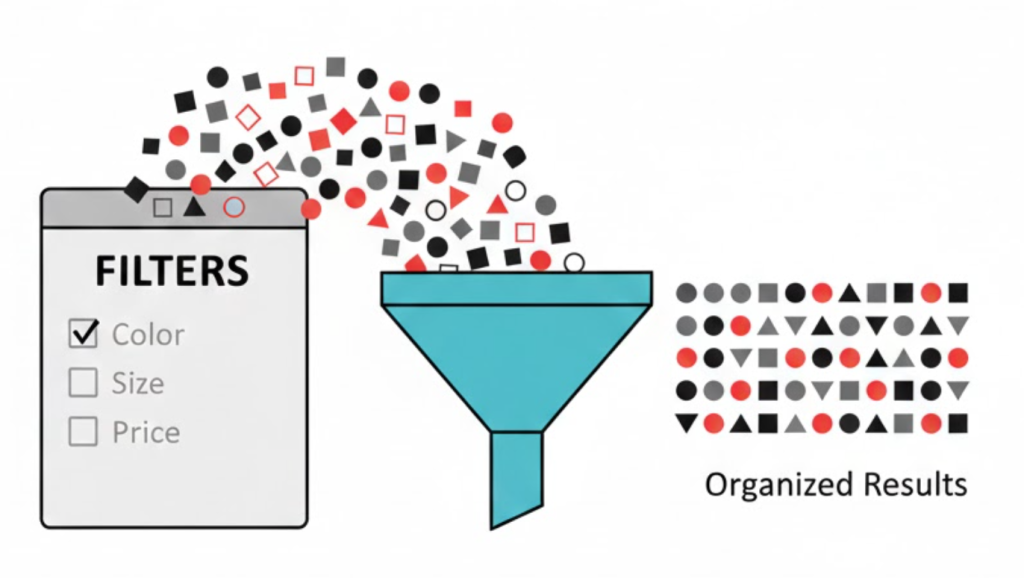
What is Faceted Navigation? (And Why It’s the Silent Killer of E-Commerce SEO)
If you run an online store, you want to make it easy for customers to find products.
So, you add filters. You let them sort by “Red,” “Size 10,” “Under £50,” and “Cotton.” This is great for the user. But it is often a disaster for Google.
This system is called Faceted Navigation.
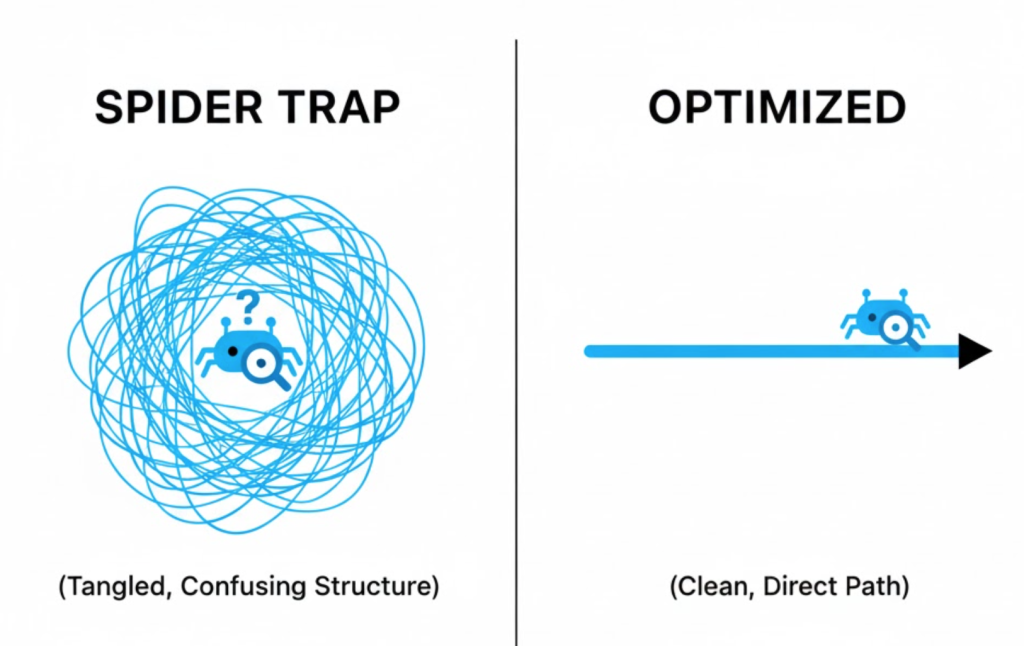
Welcome to the decoder ring. Faceted navigation allows users to filter and sort content based on multiple attributes. While it is essential for User Experience (UX), it creates a massive technical SEO problem known as a “Spider Trap.”
At Saint Digital, we see this issue on almost every e-commerce audit we perform. It is the number one reason large stores suffer from “Index Bloat” and lost rankings. Let’s decode how to offer great filters without destroying your SEO.
Is your e-commerce site leaking crawl budget?
Faceted navigation is the #1 technical issue for online stores. Learn how to fix it in our full guide.
The Problem: The “Infinite URL” Trap
To a human, filtering a list of shoes just updates the screen. To a robot (Googlebot), every time you click a filter, you are creating a new, unique webpage.
Let’s do the math:
- URL 1:
/shoes - URL 2:
/shoes?color=red - URL 3:
/shoes?color=red&size=10 - URL 4:
/shoes?size=10&color=red(Same content, different URL order!) - URL 5:
/shoes?color=red&size=10&material=cotton
If you have 10 colours, 10 sizes, and 10 brands, you don’t just have 30 options. You have thousands of possible combinations.
Google tries to crawl all of them. It gets trapped in a maze of near-identical pages. This leads to three disasters:
1. Wasted Crawl Budget
Google has a limited time to spend on your site (Crawl Budget). If it spends all day crawling “Red Shoes Size 9” and “Blue Shoes Size 8,” it might never get around to crawling your actual, high-value Product Pages.
2. Duplicate Content
The page for “Red Shoes” looks almost identical to “Red Shoes Sorted by Price.” Google sees this as Duplicate Content. It doesn’t know which one to rank, so it dilutes the authority of both.
3. Diluted Link Equity
If some blogs link to your ?sort=price URL and others link to your ?sort=newest URL, your backlink authority is split. You want 100% of that power going to the main category page, not the filtered versions.
The Solution: How to Tame the Beast
You cannot remove the filters; your users need them. So, you have to control how Google sees them. We use a combination of four technical strategies to fix this.
Strategy 1: The Canonical Tag (The “Master Copy”)
This is the most common fix. We add a Canonical Tag to every single filtered page.
If a user is on /shoes?color=red, the code in the background tells Google: “This is just a variation. The Master Page is /shoes. Please give all credit to the Master Page.”
This prevents duplicate content penalties, but it doesn’t solve the Crawl Budget problem (Google still has to crawl the page to see the tag).
Strategy 2: Robots.txt (The “Do Not Enter” Sign)
If your site is huge (10,000+ products), canonicals aren’t enough. We need to stop Google from even looking at the filters. We use the Robots.txt file to block specific URL patterns.
Example Command: Disallow: /*?sort=
This tells Google: “If you see a URL with ‘sort’ in it, ignore it completely.” This is the best way to save Crawl Budget, but you must be very careful not to block pages you actually want indexed.
Strategy 3: Meta Robots “Noindex”
Sometimes you want Google to crawl a link but not put it in search results. In this case, we add a noindex, follow tag to the filter pages.
This is safer than Robots.txt because it allows authority to flow through the links, but keeps the “junk” pages out of the Google index. It is the preferred method for mid-sized stores.
Strategy 4: Nofollow Internal Links
We can code the filter links themselves (the little tick boxes on your sidebar) as Nofollow. This tells Google: “Here is a link to ‘Red Shoes’, but don’t follow it.” It encourages the bot to stay on the main path and ignore the side alleys.
When SHOULD You Index a Filter? (The “Long-Tail” Opportunity)
Here is where it gets strategic. Sometimes, a filter is actually a valuable Keyword.
People do search for “Red Nike Running Shoes.” That is a specific, high-intent query. If you block that page, you can’t rank for it.
The Saint Digital Strategy: We audit your search demand.
- Do Index: High-volume combinations like “Category + Brand” (e.g., “Nike Shoes”) or “Category + Color” (e.g., “Red Dresses”). We turn these into static, clean URLs (e.g.,
/dresses/red) and let Google index them. - Do Not Index: Low-value combinations like “Price + Size” (e.g., “Shoes under £50 Size 9”). Nobody searches for that specific string, so we block it to save resources.
AJAX Navigation (The “No URL” Method)
Some modern sites use AJAX (JavaScript) for filtering. When you click “Red,” the products update on the screen instantly, but the URL doesn’t change (or adds a # hash).
Pros: No spider traps! Google only sees one page.
Cons: Users can’t bookmark the “Red Shoes” page or share it with a friend because the URL is generic.
We generally recommend against pure AJAX for SEO because it removes the ability to rank for those valuable Long-Tail filter terms. A hybrid approach is usually best.
The Takeaway
Faceted Navigation is a UX necessity but an SEO liability.
It requires a delicate technical balance. Open it up too much, and you drown Google in junk pages. Lock it down too tight, and you miss out on valuable long-tail ranking opportunities.
At Saint Digital, we engineer e-commerce architectures. We configure the technical rules—Canonicals, Robots.txt, and URL parameters—to ensure your store is easy for customers to browse and easy for Google to rank.
Is your store leaking SEO value? Let’s check your filters.
Is your store leaking traffic?
If you run an e-commerce site, Faceted Navigation is likely your biggest technical SEO risk. We at Saint Digital perform deep technical audits to seal the leaks. We configure your filters to maximize user experience while protecting your crawl budget.
Let’s optimize your shop.
Learn more from our Glossary
© Saint Digital Ltd, 2020-26, all rights reserved.